


On this page
- How a fingerprint safe lock works
- Are biometric safes secure? What actually decides it
- Fingerprint, keypad, key or dial: how they compare
- Reliability: when fingerprint readers struggle
- Backup access and batteries
- When a biometric safe makes sense
- Questions to ask before buying a biometric safe
- Frequently Asked Questions
- Compare lock types in person at our Tullamarine showroom
A biometric safe is as secure as the safe it is fitted to. The fingerprint reader decides who can open the door and how quickly, but it does nothing to make thin steel thicker or a light box harder to carry away. A good fingerprint lock on a solid, bolted-down, properly rated safe is a sound choice for home use; the same lock on a cheap, unrated box is not.
Below we explain how fingerprint locks work, where they can let you down, what backup options to insist on, and when a keypad or key lock is the better fit. If you are still at the stage of comparing safe types, start with our complete home safe buying guide, then come back here to decide on the lock.
How a fingerprint safe lock works
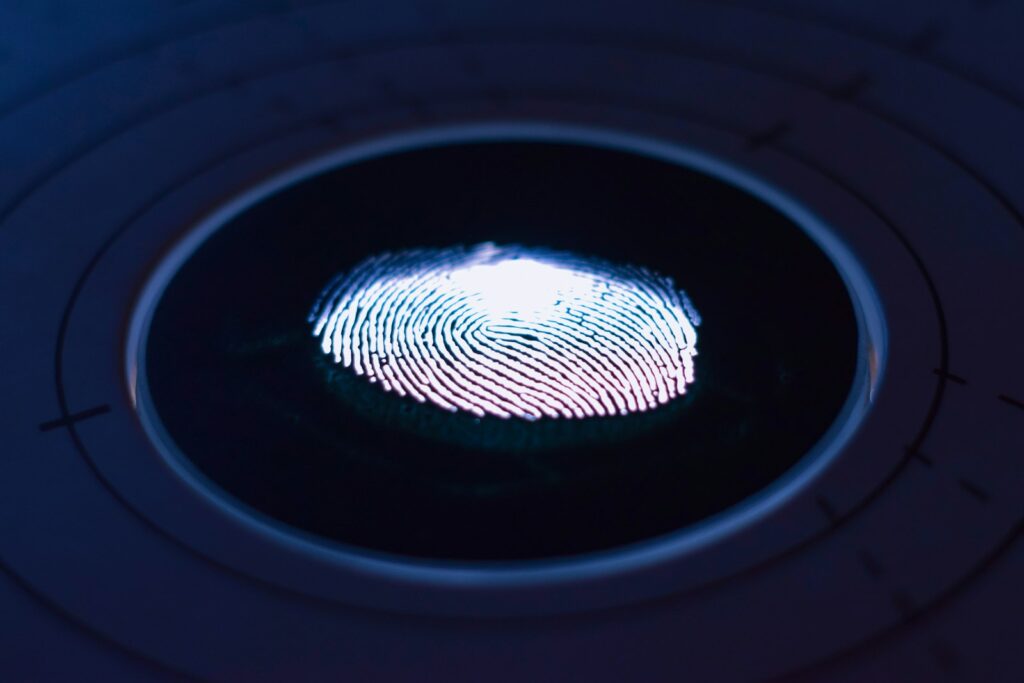
When you set up a biometric safe, you enrol one or more fingerprints. The reader scans each print several times and saves a digital template inside the lock. Each time you press a finger on the sensor, the lock compares the new scan against those stored templates. If it finds a match, it powers a small motor or solenoid that releases the locking mechanism so you can turn the handle.
Sensors generally fall into two groups. Optical sensors take an image of the fingerprint, while capacitive sensors read the ridges of the print electrically. Better-quality readers are usually more forgiving of slightly dry or damp fingers and are harder to fool with a simple copy of a print. On a standalone home safe, the fingerprint data normally stays in the lock rather than being sent anywhere, so there is no online account to be hacked.
Almost every fingerprint lock runs on batteries and pairs the reader with a second way in, typically a PIN keypad, an override key or both. That backup matters as much as the reader itself, which we cover further down.
Are biometric safes secure? What actually decides it
Burglars rarely try to trick a fingerprint sensor. They pry at the door, attack the body, or simply pick up a small safe and take it somewhere quiet. That is why the questions that decide how secure a biometric safe is are mostly about the safe, not the lock.
The safe body and its cash rating
A cash rating is a guide to how much cash an insurer may accept being kept in that safe, and it reflects how the body, door and locking bolts stand up to attack. It is the clearest way to compare one safe with another. Our guide to how cash, fire and Australian standard ratings work explains what the numbers mean and how insurers use them.
To show how much the body matters, compare two digital-lock safes in our range. The Chubb Safes Air 15 carries a cash rating of $0 to $5,000 and starts from around $293. The CMI MiniGuard MG3A D carries a cash rating of $10,001 to $20,000, a 30 minute fire rating and starts from around $1,283. Both open with a code; the difference in protection comes from the construction. Prices change, so check the product page for the current figure.
Bolting down
An unbolted safe of any lock type can be carried off and opened at leisure. Bolting a home safe to a concrete slab or solid floor is one of the cheapest security upgrades you can make, and insurers often ask whether a safe is anchored.
The quality of the lock itself
Not all fingerprint locks are equal. Budget readers can be slow, reject valid prints often, or use flimsy wiring and housings. A quality lock has a sturdy reader, a protected battery compartment, and a backup method that does not create an easy weak point.
Fingerprint, keypad, key or dial: how they compare
| Lock type | Speed of access | What you need | Common failure points |
|---|---|---|---|
| Fingerprint (biometric) | Fastest, usually a single touch | An enrolled finger, plus a backup code or key | Batteries, dirty or damaged sensor, wet or injured fingers |
| Digital keypad | Fast | A code you remember | Batteries, forgotten codes, codes shared too widely |
| Key | Moderate | The key | Lost keys, keys stored near the safe |
| Combination dial | Slowest | A combination and some practice | Forgotten combinations, misdialling under pressure |
For a deeper comparison of mechanical and electronic options, read our article on key locks versus electronic safe locks.
Reliability: when fingerprint readers struggle
Fingerprint readers work well for most people most of the time, but they are sensitive to the condition of your skin and the sensor. Common reasons for a rejected print include:
- Wet, oily or dusty fingers, or a dirty sensor surface
- Cuts, burns, plasters or very dry skin
- Cold hands, which can make prints harder to read
- Prints that wear down over time, which can affect older people and some trades
- Placing the finger at a different angle from the one used at enrolment
You can reduce problems by enrolling at least two fingers per person, including one from each hand, and by re-enrolling if the reader starts to hesitate. Wipe the sensor with a soft, dry cloth rather than cleaning products.
Backup access and batteries
Every biometric safe needs a dependable second way in. Before you buy, confirm whether the backup is a PIN, an override key or both, and treat that backup with the same care as the fingerprint itself.
- Override keys: never keep the key in the safe or next to it. Store it somewhere separate and known only to the people who need it.
- Backup codes: change any factory or installer code straight away. Our advice on how often to change a digital safe code applies to fingerprint safes with keypad backups too.
- Batteries: replace them as soon as the low-battery warning shows, and use quality batteries of the type the manufacturer specifies. Some models let you connect temporary power from outside the door, but this varies, so check the manual for your model.
If you are ever locked out, avoid forcing the handle or attempting DIY repairs, which can damage the lock and turn a simple fix into a costly one. Our safe repair and opening service can help with locks that have failed or codes that have been lost.
When a biometric safe makes sense
Fingerprint access suits situations where speed and convenience matter more than anything else:
- A bedside or wardrobe safe you open every day for watches, cash or keys
- Households where people tend to forget codes or misplace keys
- Situations where you want to add and remove users without handing out a shared code
It suits less well when the safe is opened rarely. Batteries can quietly go flat over months, and people forget which finger they enrolled. For long-term storage of documents or keepsakes, a quality keypad or key lock is often simpler. For guidance on choosing the right capacity at the same time, see our article on working out what size safe you need, and for valuable pieces read about choosing a safe for jewellery.
Questions to ask before buying a biometric safe
- What cash rating and fire rating does the safe carry, and can I see the documentation?
- Can it be bolted to the floor, and are fixing holes pre-drilled?
- How many fingerprints can it store, and can I delete individual users?
- What is the backup method, and where is the override key or code entered?
- How long do the batteries typically last, and what happens when they go flat?
- Can the lock be serviced or replaced in Australia if it fails?
Most of the rated safes in our range of home safes use digital keypads, key locks or combination dials, and some offer a digital lock with a key override. If fingerprint access is high on your list, talk to us about what suits the safe body and rating you need, and we will give you a straight answer on the trade-offs.
Frequently Asked Questions
Can a fingerprint safe be opened without a fingerprint?
Most fingerprint safes include a backup method, usually a PIN code, an override key or both, so an authorised user can still get in if the reader fails or the batteries run flat. Check exactly which backup a model uses before you buy, and store the override key or code somewhere secure away from the safe itself.
Are biometric safes more secure than keypad safes?
Not automatically. A fingerprint reader removes the need to remember a code, but the protection against a break-in comes from the safe’s steel, construction, cash rating and how well it is bolted down. A well-built keypad safe will outperform a light biometric box. Compare the safe body and rating first, then choose the lock style.
What happens to a biometric safe when the batteries die?
The reader and motor stop working, so the door will not open by fingerprint. Many models have an override key or a way to connect temporary power from outside, but this varies, so read the manual for your model. Replace batteries as soon as the low-battery warning appears rather than waiting for a lockout.
How many fingerprints can a biometric safe store?
It depends on the lock. Some store only a handful of prints, while others hold many more and allow separate administrator and user levels. Enrol at least two fingers per person so a cut or bandage on one finger does not lock you out, and remove prints for anyone who should no longer have access.
Compare lock types in person at our Tullamarine showroom
The easiest way to choose between fingerprint, keypad and key locks is to try them. Our showroom at 38 Barrie Rd, Tullamarine has over 350 new and used safes on display, and our family-owned team brings a combined 50+ years of experience to the conversation. Call us on 0409 860 011, Monday to Friday 9am to 5pm, or send us an enquiry online.